A personal trainer workspace. Clients, schedule, payments.

Start as a trainer Clients install nothing
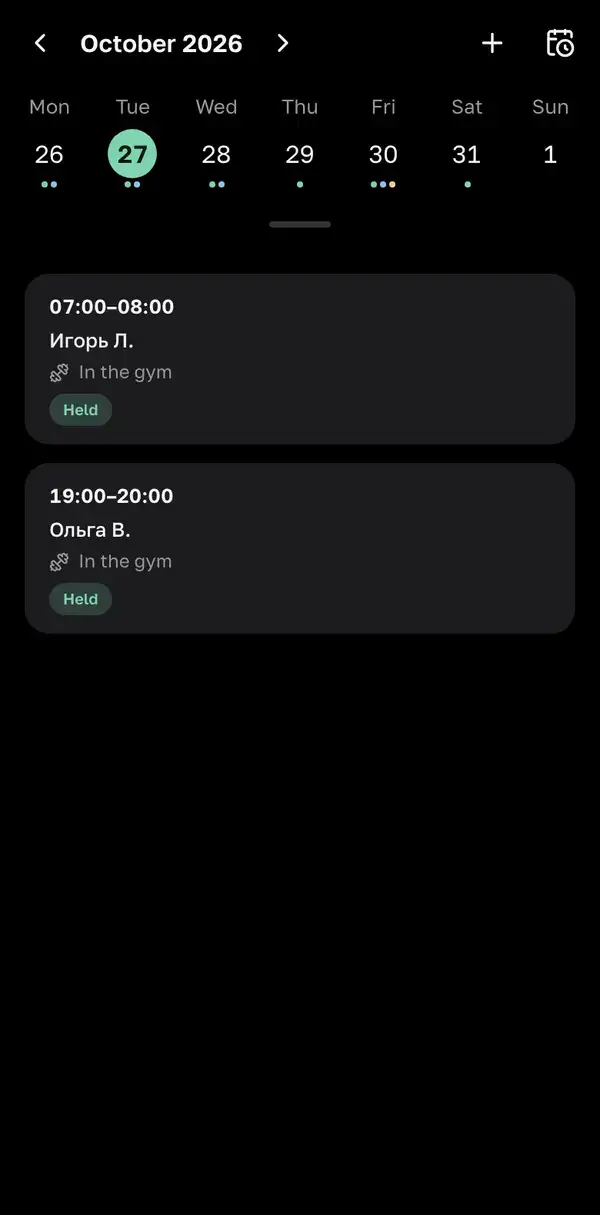
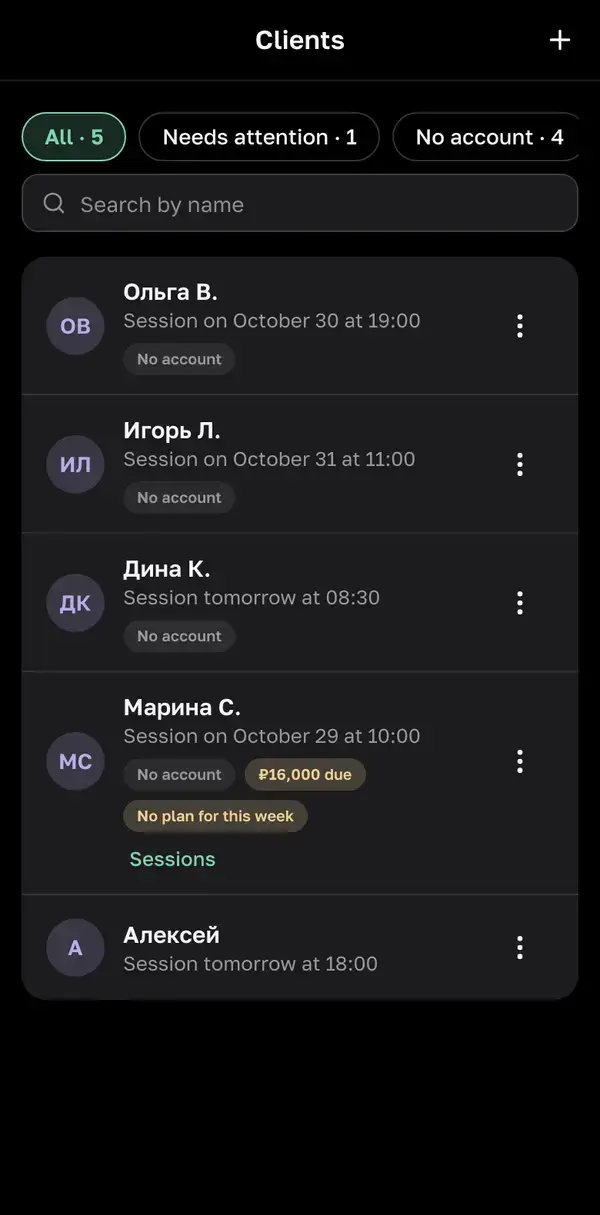
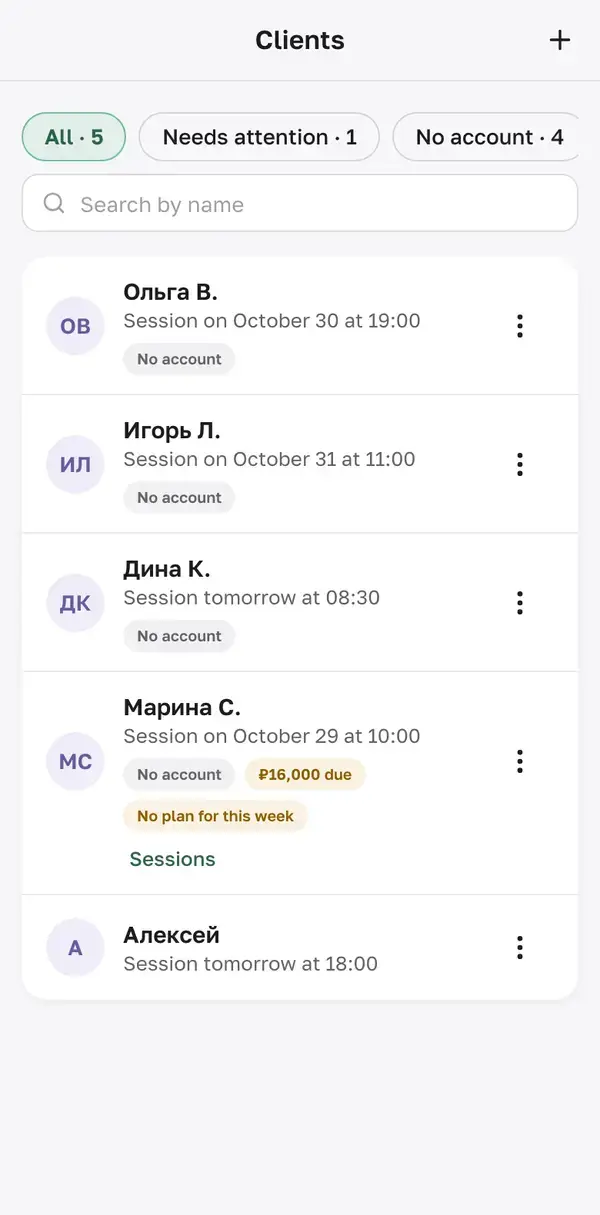
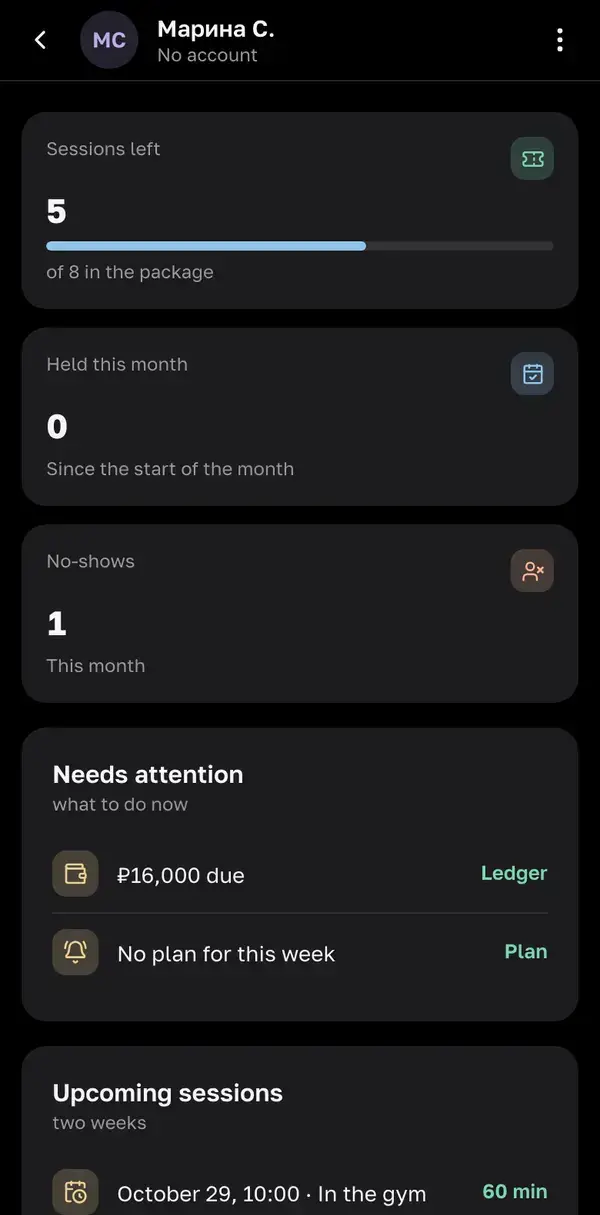
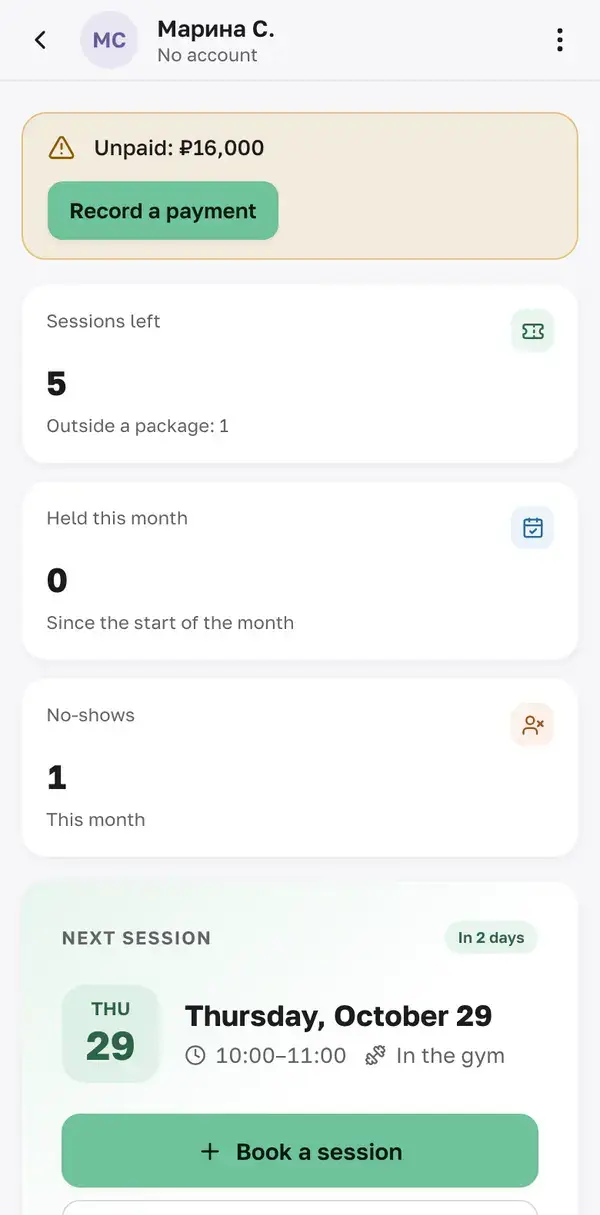
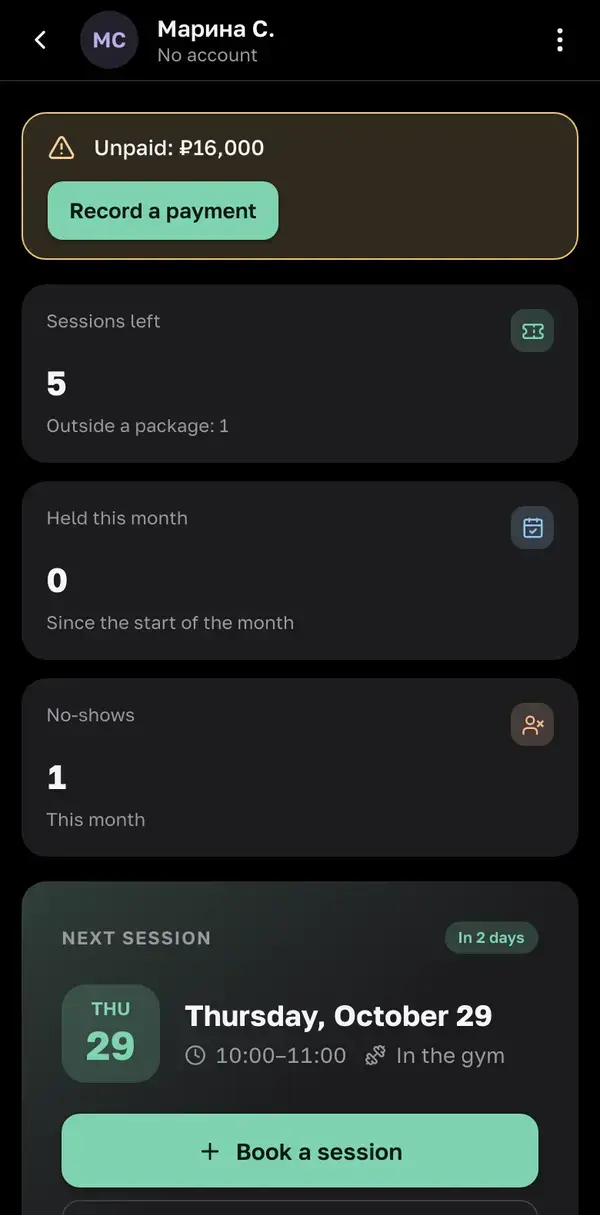
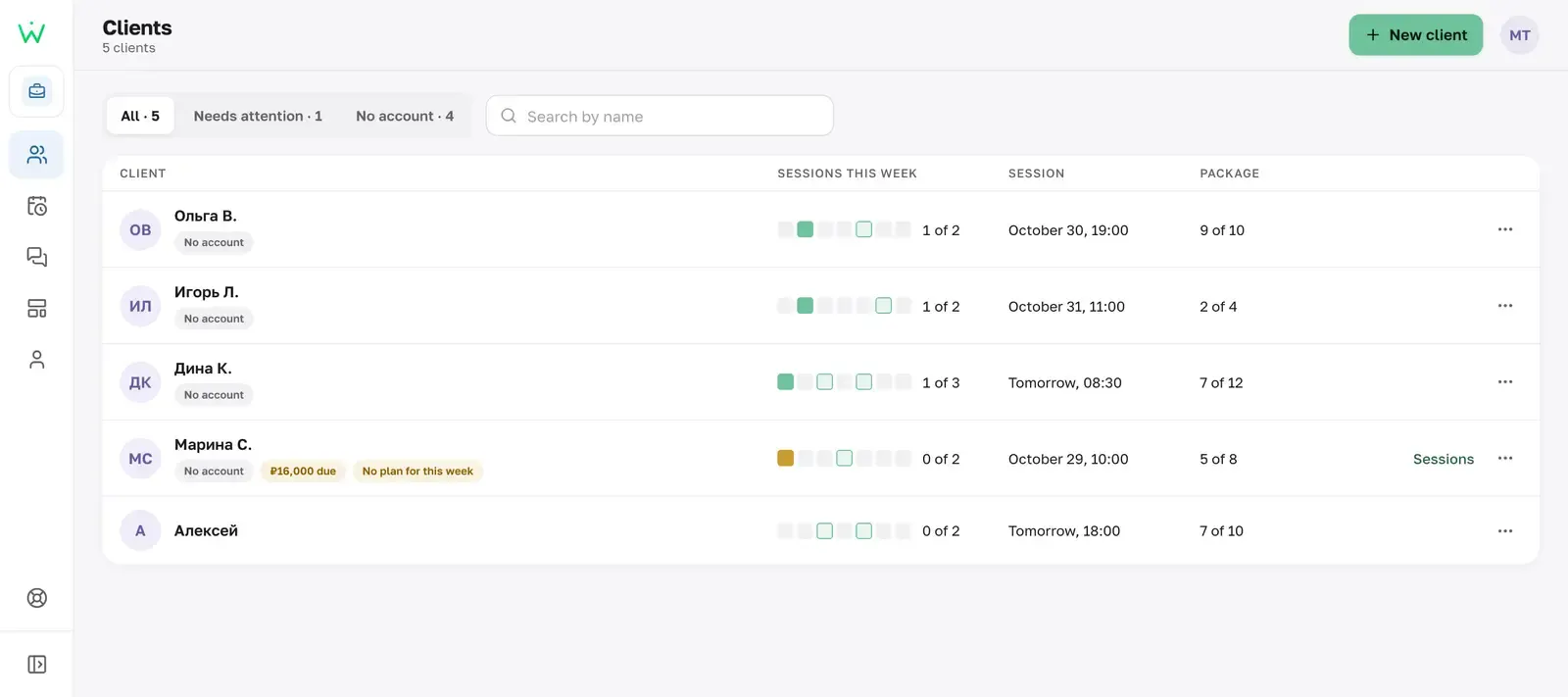
Schedule Schedule Schedule Example client list in the trainer workspace Example client list in the trainer workspace Example client list in the trainer workspace Needs attention Needs attention Needs attention
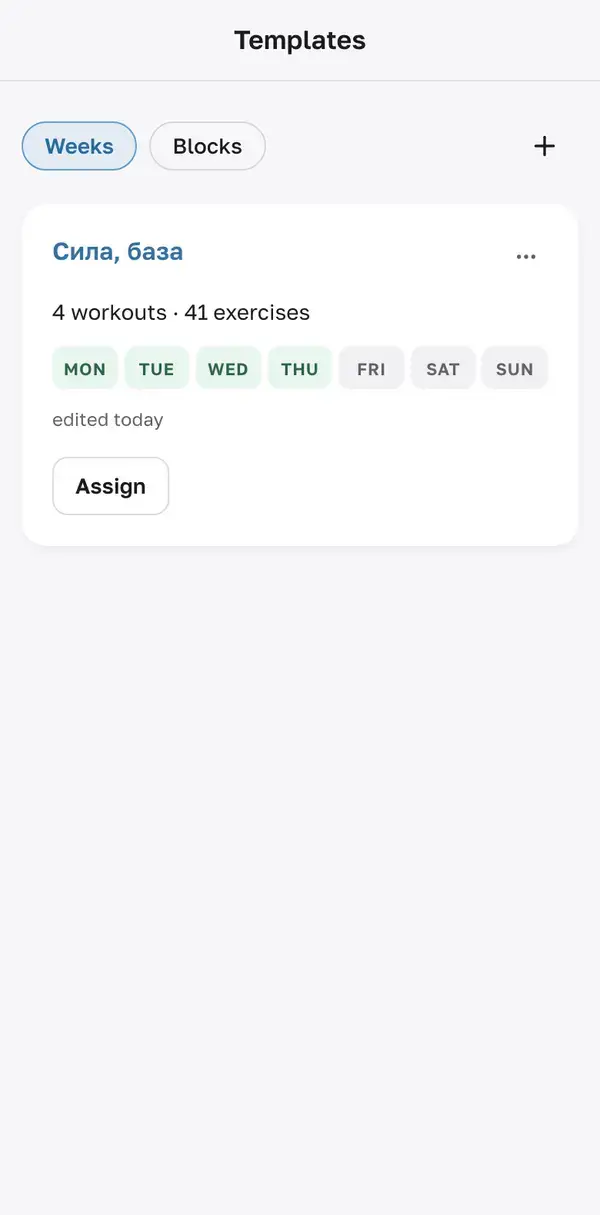
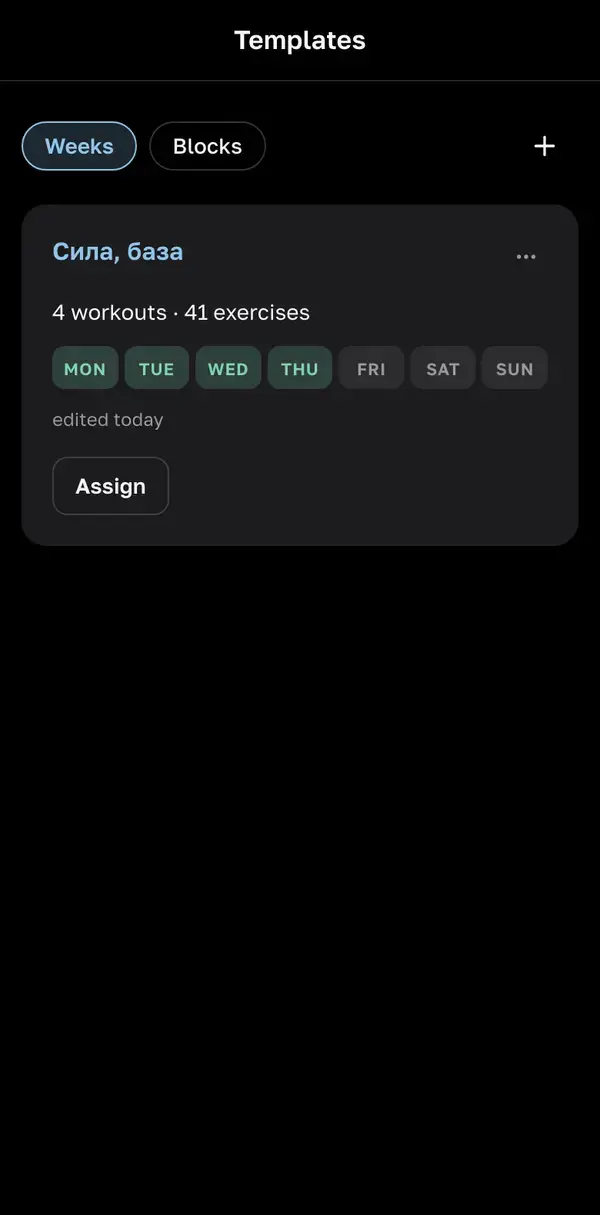
  • Templates build a week once and assign it to several clients
  • Link the client accepts the invite and appears in your list
  • Browser phone and computer, nothing to install

What's in the workspace

A week of sessions — and who showed up

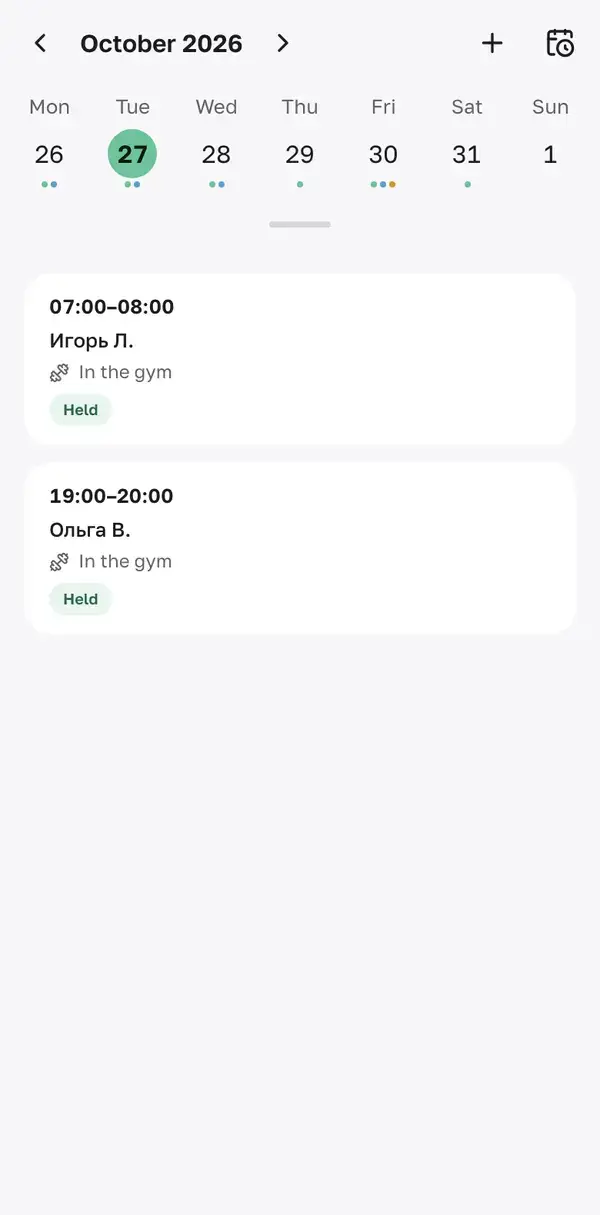
Schedule Schedule Schedule

Who owes what — no spreadsheets

Memberships and payments Memberships and payments Memberships and payments

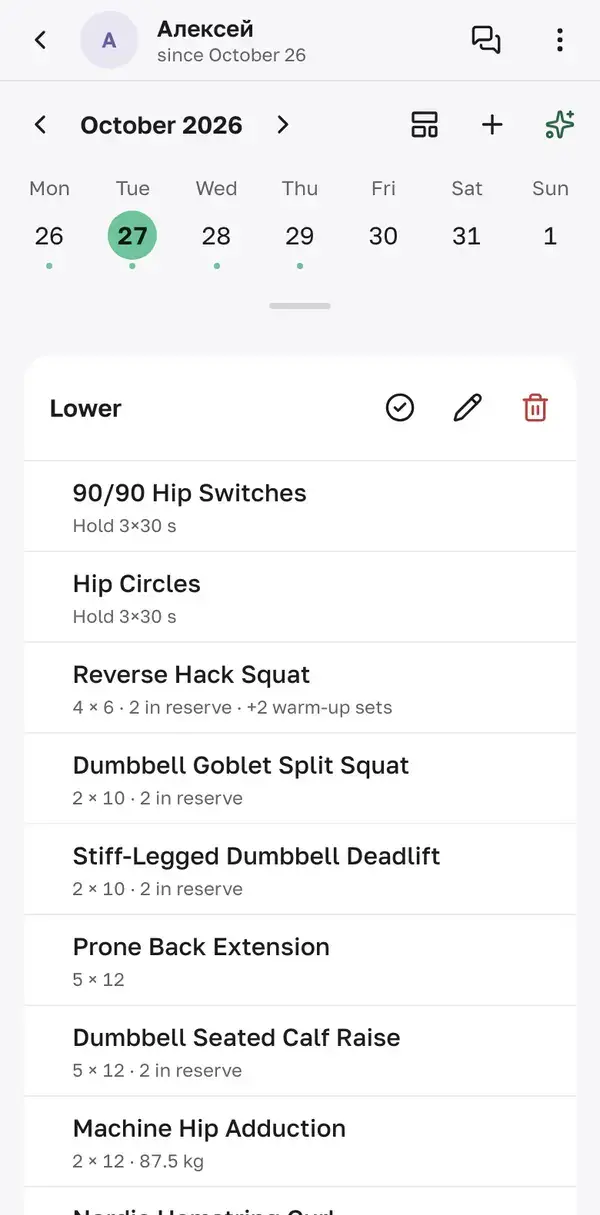
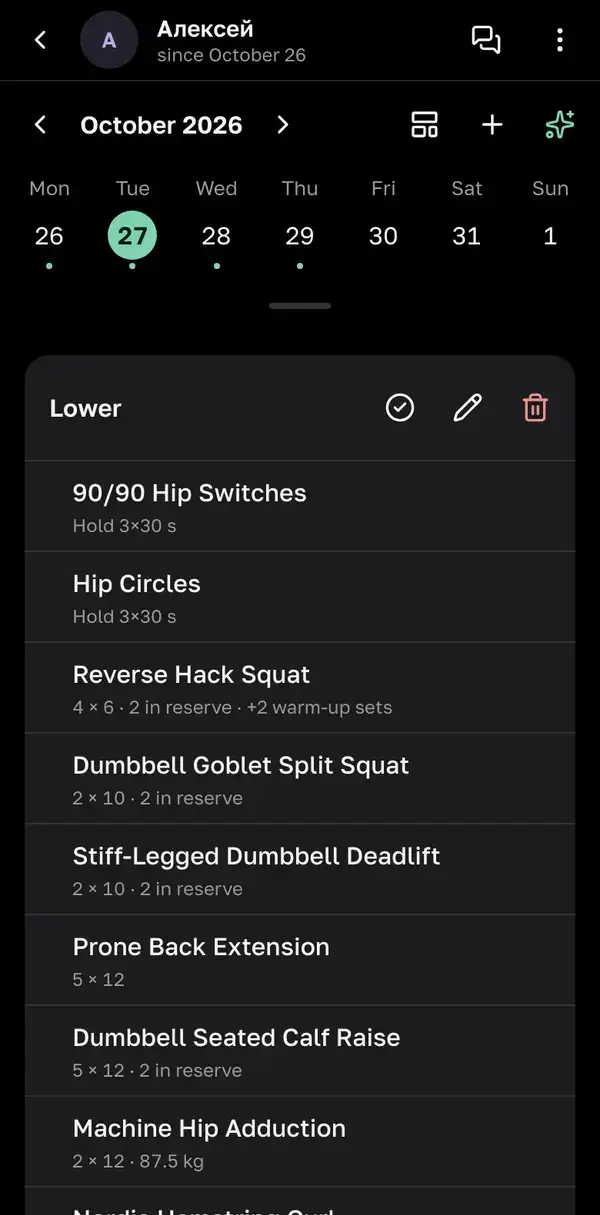
Change the plan — the client sees it at once

A client's plan in the trainer workspace A client's plan in the trainer workspace A client's plan in the trainer workspace

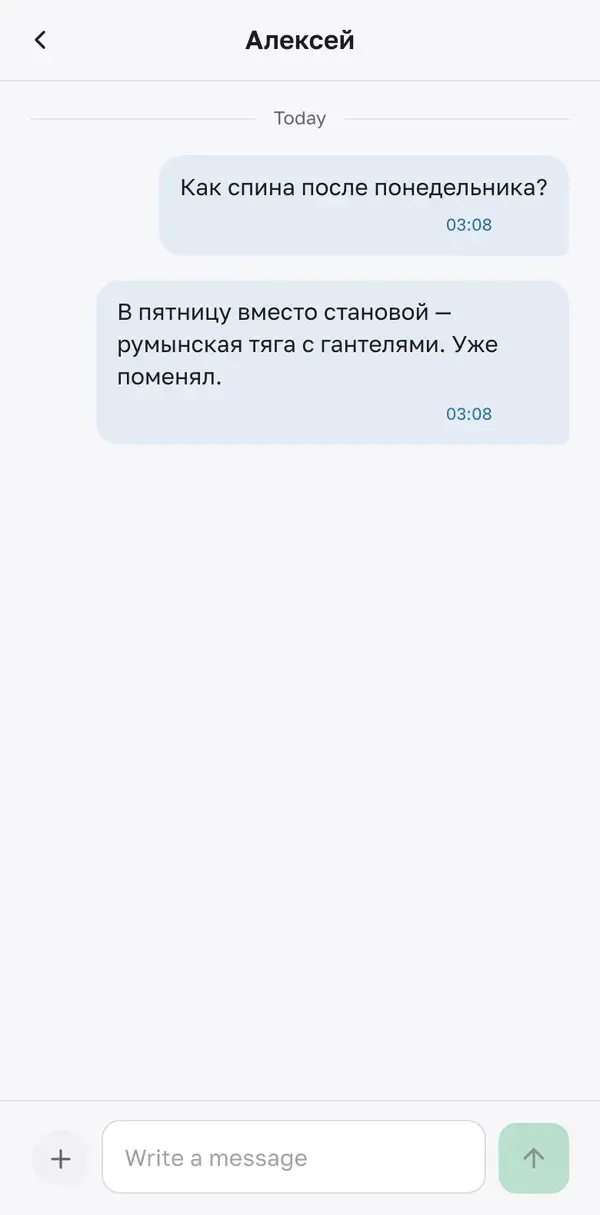
Chat next to the workout

Chat Chat Chat

One week — for several clients

Templates Templates Templates

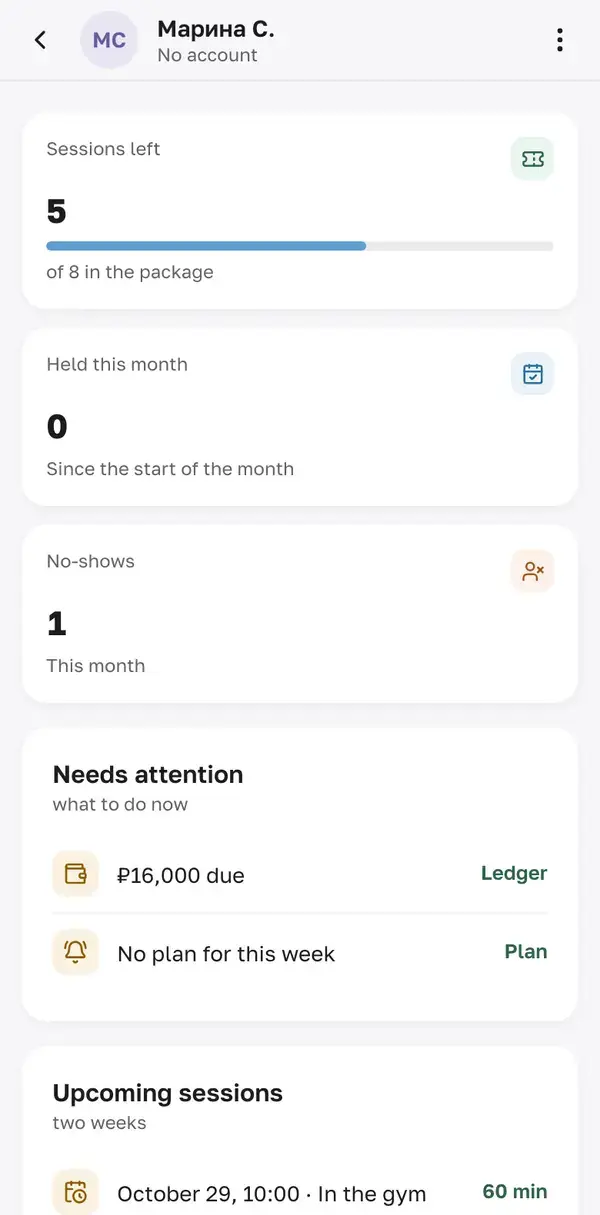
Everything about a client on one screen

Needs attention Needs attention Needs attention

A client without an account is still your client

Keep the card yourself, send the program as a link — and when the client wants an account, the history moves to them.

  1. Card
  2. Link
  3. Account

On your computer too

The same workspace in the browser, nothing to install
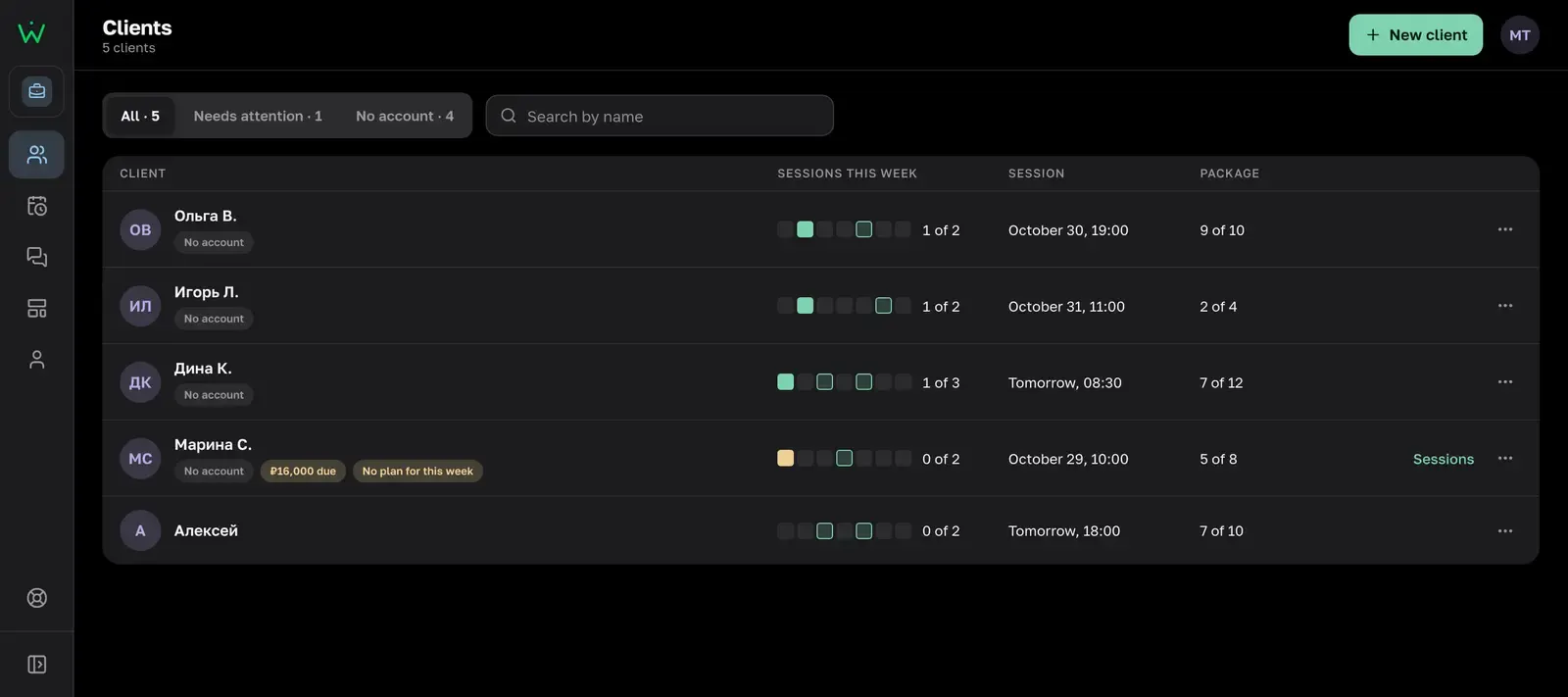
Client list in the trainer workspace on a computer Client list in the trainer workspace on a computer Client list in the trainer workspace on a computer

Trainer questions

Does the client need to install anything?

No. Workoutify runs in the browser on phone and computer. The client opens the invite link and signs in.

What if a client doesn't want to sign up?

Create a card for them and log their workouts there. Send the program as a link protected by a code. When the client accepts an invite, those workouts appear in their history.

Does the app take payments from clients?

No. Memberships and payments are your own ledger: how many sessions are left and who owes what. The client doesn't see amounts.

What does the trainer see about a client?

The plan and completed workouts, progress, nutrition and body weight. The client sees all of this in the invite before accepting it. You can edit nutrition only if the client turns it on.

Will I get notifications?

Yes: about new messages, new and moved sessions and 2 hours before a session — via the Telegram bot, browser push or email.

Start coaching your clients in Workoutify

Sign in with email.

Point your camera to open the workspace on your phone
Start as a trainer